 Skip to content


Signs that Your CMOS Battery is Dead
Last Month I came upon this weird problem. One day opening my desktop PC I suddenly can’t browse the internet. I was getting an error the page cannot be displayed. Checking the cables and power connectors.
Upon checking and concluding that nothing was wrong I did a network diagnostic. It returned with no error. But When then noticed that the date on the taskbar was wrong it was set on 2044.
The Fixes that I Tried
Fix 1
At first I tried setting the the correct date on the taskbar itself. The funny thing is the setting the date selector was grayed-out or un-selectable.
Note:
Not having the correct date will make your browsers unusable. Modern browsers use the system time for its task and for browsing the web.
After being unable to manually set the correct date and time, I rebooted my PC hoping that can fix or reset the configuration of my PC. But after restarting the issue persist.
Fix 2
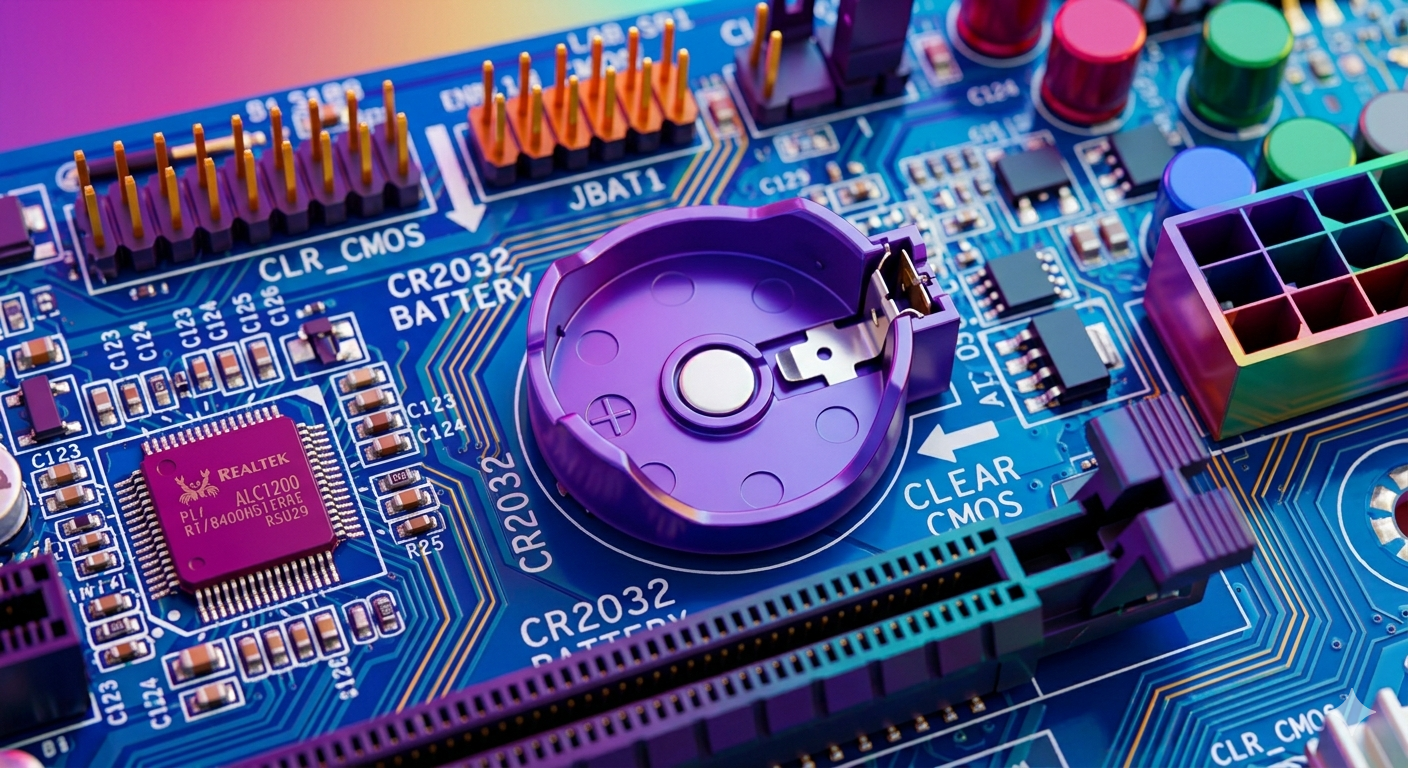
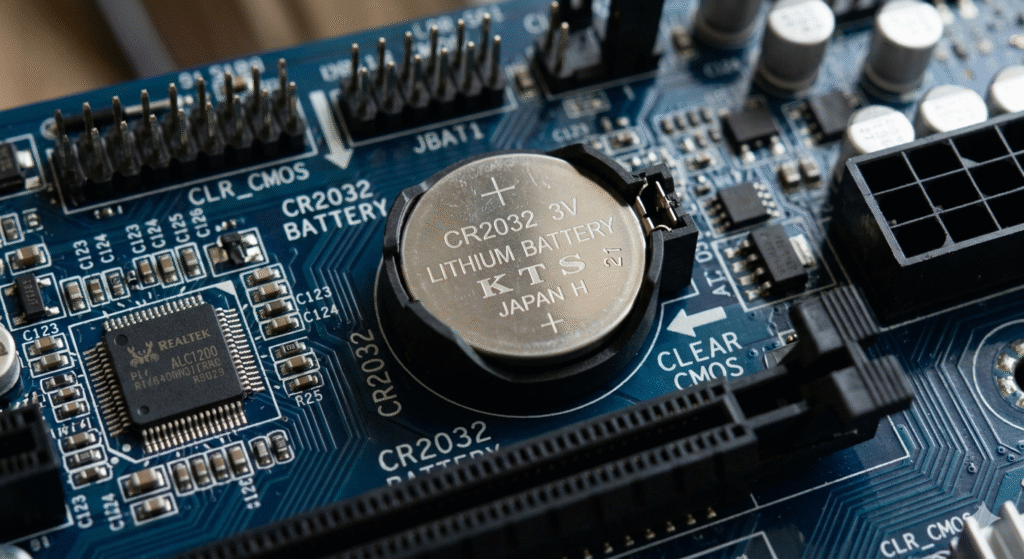
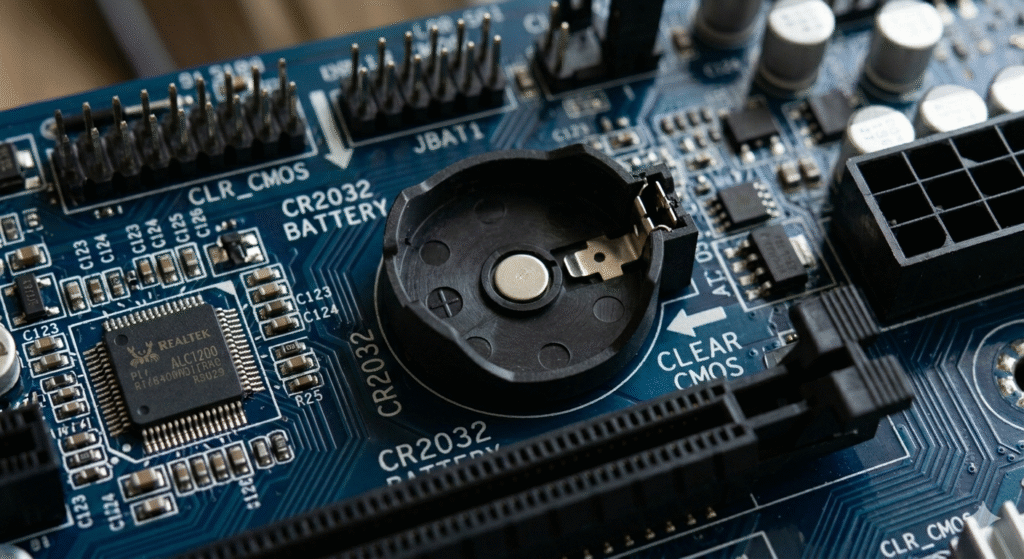
I then shutdown my PC, opened my pc case remove the motherboard battery for at least 15 seconds. This will reset the motherboard bios. Putting the cmos battery back on the mother board. I then booted up the PC. Then access the BIOS to try to set the date and time there. To my surprise the date on the BIOS settings was un=selectable thus cannot be change.
Fix 3
I then decided to replace the cmos battery. I took a cmos battery from a defective motherboard that is new and was damaged on a separate incident. I took its cmos battery and placed it on my PC’s motherboard.
I booted up my pc, after booting up I then manually change the date and time using the taskbar options. The date and time was made available and selectable. This fixed the system date and time problem. Problem was solved and the browsers was functioning as needed.
I came to the conclusion that a motherboard battery can last about 10 years. So if any of these symptoms appear on your PC try replacing the cmos battery if you have spare cmos battery lying just around.



 English
  Spanish